Minimum payments feel safe. The card company sets a small number, you pay it, nothing goes to collections, and life moves on. Here is the part nobody prints on the statement: that small number is designed to keep the balance alive for years, and the interest meter runs the whole time.
A payment planner is how you take that control back. It is one simple system that lists every debt you owe, decides the order you attack them in, and puts every payment on a schedule you can actually stick to. No apps shouting at you. No guesswork at the end of the month. Just a plan on paper (or in a spreadsheet) that tells each dollar where to go.
This guide walks you through building one in six steps, with real numbers, so you can see exactly how much faster you get out.
A payment planner is a written schedule of all your debts and the payments you will make on each one, month by month, until they are gone. It shows each balance, the interest rate, the minimum payment, and the due date in one place, plus the extra amount you throw at one target debt at a time.
Think of it as the difference between wandering and following a map. You are driving either way. Only one version gets you there on purpose.
Let us run one example, because the numbers explain this better than any lecture.
Say you have a $6,500 credit card balance at 24% APR. That rate is not unusual. Plenty of store cards sit even higher.
Option one: minimum payments only. Many cards set the minimum at about 2% of the balance. On $6,500, that starts near $130 a month and shrinks as the balance slowly drops. At that pace, you would be paying this card off for roughly 9 to 10 years, and you would hand over somewhere around $6,000 in interest along the way. Almost as much as the original balance. That is the quiet part.
Option two: a fixed payment with $75 extra. Now picture paying a flat amount each month that includes an extra $75 above the minimum, and keeping that payment the same even as the balance falls. The debt clears in roughly 3 years instead of a decade, and the interest drops to somewhere near $2,600. Same card. Same balance. The difference is a plan and $75.
These figures are an example, not a promise. Your rate, your minimum formula, and your balance will change the exact months. But the pattern holds on almost every debt: a fixed payment that never shrinks beats a shrinking minimum every single time.
A planner is what turns "I should pay extra" into an actual number on an actual date.
Write down every debt, no exceptions. For each one, note the current balance, the APR, the minimum payment, and the due date. Credit cards, the car loan, the personal loan, the store card you opened for a discount two years ago. All of it.
This step stings a little. Most people have never seen the full total on one page. Do it anyway. You cannot plan your way out of a number you refuse to look at, and this list becomes the backbone of your debt payment tracker for the whole journey.
You will pay the minimum on everything, then aim every spare dollar at one target debt. The only question is which one goes first, and there are two proven ways to pick.
Snowball: smallest balance first, regardless of interest rate. You clear a whole debt quickly, cross it off, and roll that payment into the next one. The wins come early, and early wins keep people going.
Avalanche: highest APR first. This one saves the most money on paper because you kill the most expensive debt first.
Neither is wrong. Avalanche wins on math, snowball wins on motivation, and the best plan is the one still alive in month six. Pick the one you will actually follow.
Add up all your minimum payments, then decide what you can genuinely put toward debt each month on top of them. Even $50 extra matters. $75 changed the example above by years.
Write that total down as your fixed monthly debt budget, and treat it like a bill. Rent gets paid. So does this. When a debt disappears, its payment does not go back into spending. It rolls into the next target debt, which is where the speed really builds.
A monthly payment schedule only works if the money is there when the payment leaves. Look at your due dates next to your paydays and line them up. If three debts are due in the first week of the month but you are paid mid-month, call the lenders and ask to move a due date. Most will do it once, free, if you ask before you miss a payment.
Splitting payments across two paydays is fine too. Half on the 1st, half on the 15th. The goal is boring consistency, not a heroic effort every month.
Every time a payment leaves your account, record it and update the balance. This sounds small. It is not. Watching a balance drop from $6,500 to $5,900 to $5,200 is the feedback loop that keeps the plan alive on the months when motivation dips.
A notebook works. A spreadsheet works better, because the totals update themselves and you can see your debt-free date move closer. Either way, never let a payment go unrecorded. What gets tracked gets paid.
Set a 15 minute date with yourself each month. Check the balances against your statements, catch any rate changes or fees, and adjust the plan if your income shifted. Got a raise or a tax refund? Decide where it goes before it evaporates into everyday spending.
Life will wobble the plan at some point. A car repair, a slow month at work. A monthly review is how you bend the plan instead of abandoning it.
Here is what a simple planner looks like with three debts. The order below uses the avalanche method, so the highest rate gets the extra money first.
| Debt | Balance | APR | Minimum | Due Date | Extra Payment |
|---|---|---|---|---|---|
| Store credit card | $1,850 | 27% | $40 | 5th | $110 |
| Personal loan | $4,200 | 11% | $95 | 12th | $0 |
| Auto loan | $9,600 | 7% | $210 | 20th | $0 |
Total minimums come to $345, and this household has $455 a month for debt, leaving $110 extra. Every dollar of that extra goes to the store card until it is gone, roughly a year in. Then the whole $150 (its minimum plus the extra) rolls onto the personal loan, and the auto loan gets cleared last with a much bigger monthly hit.
Notice what the table does for you. Every due date is visible, so nothing slips. Every dollar has a job. That is the entire system.
Paying debts in random order. A bit extra here, a bit extra there, whichever balance annoyed you most this week. It feels productive and accomplishes almost nothing, because no single debt ever dies. One target at a time, always.
Ignoring due dates and late fees. One $30 late fee can wipe out a month of extra payments, and a late mark sits on your credit report far longer than the fee stings. Due dates belong in the planner from day one, not in your memory.
Never updating the balances. A planner built on six month old numbers quietly becomes fiction. Balances change, rates change, and a plan based on stale figures will mislead every decision you make from it. Update as you pay, review monthly, keep it honest.
Quitting after one bad month. Almost everyone misses the plan once. The people who get out of debt are not the ones with perfect months. They are the ones who fixed the plan the following month and kept going.
Not quite. A budget covers all your money: income, bills, groceries, savings, everything. A payment planner zooms in on one part of it, your debts, and schedules exactly how each one gets paid off. Most people run both side by side, and the planner pulls its monthly amount straight from the budget.
If the numbers motivate you, avalanche saves the most interest. If crossing debts off the list motivates you, snowball usually wins in real life because people stick with it. Honestly, the gap between the two is smaller than the gap between having a plan and not having one. Pick one today and start.
Whatever you can repeat every month without fail. A steady $50 beats an ambitious $200 that collapses by month three. Start where it feels almost too easy, then raise it when a debt clears or your income grows. Consistency does the heavy lifting here.
Yes, and it is one of the best ways to do it. A simple loan payoff spreadsheet lets you list each debt, set your payment order, and watch the balances and your debt-free date update as you log payments. You see the finish line move closer every month, which does more for motivation than any pep talk.
You can absolutely build everything above from a blank page. Plenty of people do. But if you would rather skip the setup and start with the structure done for you, our shop on Etsy has ready-made payoff trackers built for exactly this system.
Our Personal Loan Payoff Tracker and Auto Loan Payoff Tracker give you space for every balance, APR, minimum and due date, a clear monthly payment schedule, and running totals that update as you log each payment. They work in both Excel and Google Sheets, and they are instant downloads, so you can set up your planner tonight instead of next week.
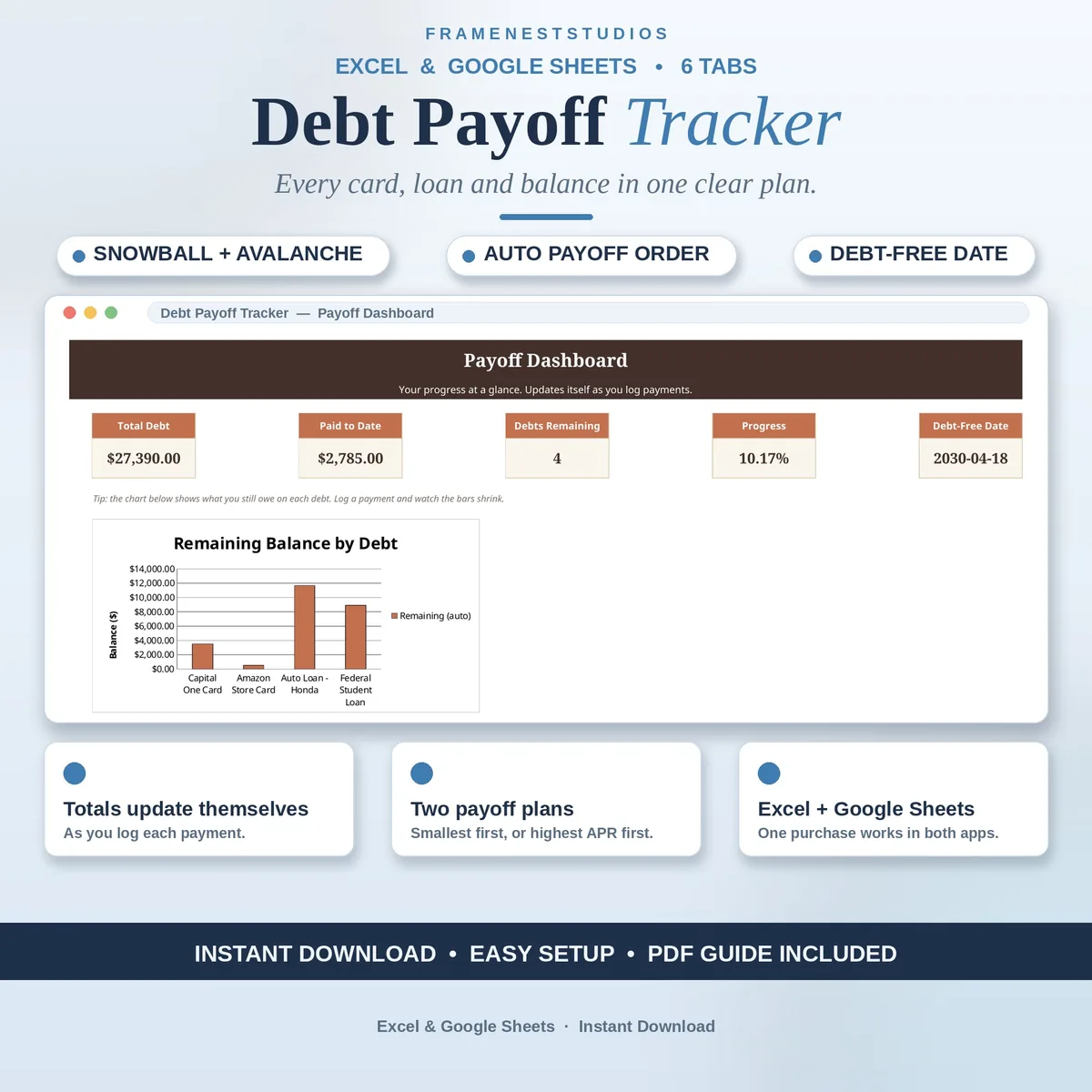
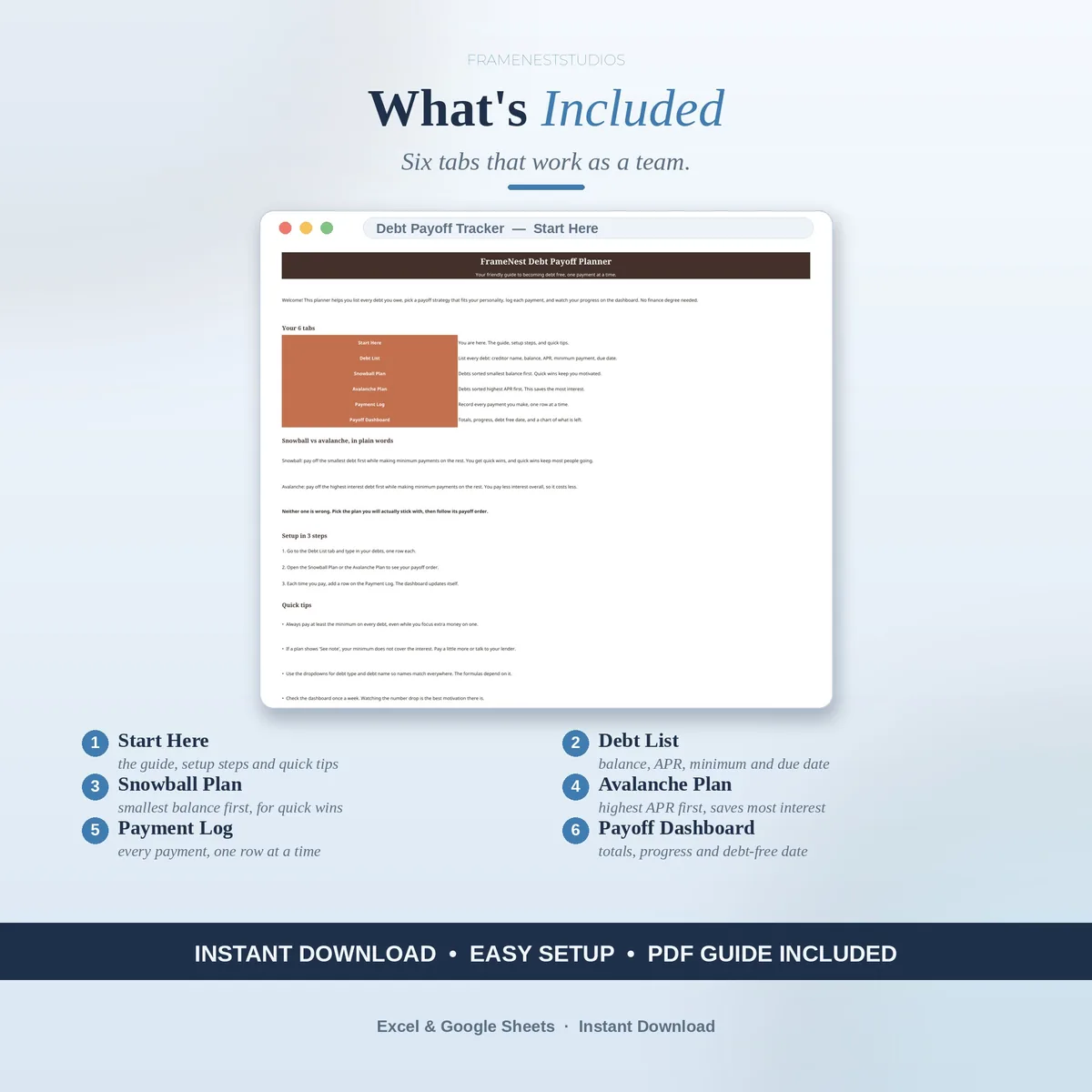
Short on time? The Debt Payoff Tracker does this for you in Excel and Google Sheets.
However you build it, build it this week. The interest meter is running either way. A plan is what makes it stop sooner.
List every debt, pick snowball or avalanche, and watch your debt free date move closer. See every screen, the full tab list and buyer questions on the product page.
Or browse more Debt & Loans templates.