A family I know moved house in the spring and did everything right. Council tax updated. Bank notified. Driving licence sorted. The one letter that never caught up with them was their home insurance renewal, which went to the old address, sat in a stranger's hallway, and quietly expired.
They found out the way most people find out. Six months later, a pipe leaked, they called their insurer, and the person on the phone told them there was no active policy to claim on. The cover had lapsed, nobody had noticed, and the repair bill was theirs.
An insurance planner would have caught that in about ten seconds. It is nothing fancy. It is simply one place where every policy you own is written down, with its renewal date in plain sight, so a gap like that cannot sneak up on you. This guide shows you what to record, how to keep it updated, and how a simple tracker turns a drawer full of paperwork into a ten-minute job.
One honest note before we start. This article is about getting organized. It is not insurance or financial advice, and you should check any cover decisions with a licensed adviser or your insurer.
An insurance planner is a single record of every policy you hold, what it covers, when it renews, and who to call when something goes wrong. Some people keep one in a notebook. A spreadsheet works better, because dates can be sorted and reminders are easier to spot, but the format matters less than the habit.
Think of it as the index page for your whole insurance life. Instead of digging through email inboxes, app logins and that one kitchen drawer, you open one file and everything is there. Policy numbers, renewal dates, premiums, claim phone numbers. When you need a detail, you need it fast, usually on a bad day. That is the whole point.
Most households are juggling more policies than they realize. The planner is where they all stop being scattered and start being managed.
The trick is recording the same set of details for each policy, every time. Consistency is what makes the planner useful a year from now, when you have forgotten half of what you set up.
Here is the full list of fields worth capturing:
| Field | What to write down |
|---|---|
| Provider | The insurer's name, exactly as it appears on your documents |
| Policy number | The reference you quote on any call or claim |
| Type | Car, home, health, life, travel, pet, or gadget |
| Start date | The day the current cover period began |
| Renewal date | The day it ends or auto-renews, the most important date on the page |
| Premium | How much you pay, and whether it is monthly or yearly |
| Cover amount | The maximum the policy pays out, or the sum insured |
| Excess or deductible | What you pay out of pocket before the insurer pays anything |
| Claim phone number | The number you would actually call at 2 a.m. |
| Where the documents live | Folder, email label, app, or drive location |
A few of these deserve a second look. The excess or deductible is the one people forget, and it changes how a policy really works. A cheap premium with a huge excess can leave you paying most of a small claim yourself. Writing it down next to the premium tells the true story of what you bought.
The claim phone number matters more than it sounds. Insurers often have separate lines for sales, servicing and claims, and the claims line is the one buried deepest on their website. Copy it into your planner while you are calm, not while water is coming through your ceiling.
Sit down and list yours. Most families land somewhere between five and nine active policies, which surprises people every time.
That last one is worth a pause. Plenty of people pay for phone cover through their bank, their network provider and a standalone policy at the same time, three premiums for one phone. You only spot overlaps like that when everything sits on one page. An insurance tracker pays for itself the first time it shows you a duplicate.
Setting the planner up takes an hour or so. Keeping it alive takes minutes, as long as you build a small routine around it. Here is the one that works for most households.
Give every policy its own space, filled in with the fields from the table above. No shared rows, no shortcuts. When a policy ends and a new one starts, update the row there and then, while the new documents are still open on your screen.
Once a month, when you check your bank statements or pay your bills, open the planner and scan the renewal dates. You are looking for anything due in the next six weeks. That is it. Two minutes, tops.
Insurance renewal dates are the whole reason the planner exists, so do not rely on memory. For every policy, set a reminder 30 days before the renewal date. Thirty days gives you time to compare quotes, call your current insurer, and switch without a gap if a better deal exists. A reminder on the day itself is too late. A reminder at 30 days is a negotiating window.
Once a year, pick a quiet hour and read the whole planner top to bottom. Ask three questions of every policy. Do I still need this? Am I paying for the same cover twice? Has anything changed, a new car, a house move, a pet, a baby, that this list does not reflect yet? Update, cancel the duplicates, and you are done for another year.
None of this sounds dramatic, and that is exactly why it works. The problems it prevents are the boring, expensive kind.
Paying twice for the same cover. Duplicate phone and gadget policies are the classic case, but it happens with travel cover too, bought per trip while an annual policy already runs.
Missing a renewal. A lapsed policy is worse than no policy in one way. You still believe you are covered. The gap only appears when you claim, which is the worst possible moment to learn about it.
Family members not knowing where anything is. If you are the only person who knows the policy numbers and the claim line, your family is stuck if you are ill, away, or simply unreachable. One shared planner fixes that. In an emergency, anyone in the house can open it and make the call.
Scrambling during a claim. Insurers ask for policy numbers, start dates and cover details. Having them on one page turns a stressful call into a short one.
Relying on the insurer's letters. Renewal letters go to old addresses, spam folders and portals you never log into. Your planner should be the source of truth, not their mailing list.
Storing details in five different places. A bit in an app, a bit in email, the rest on paper in a drawer. That is not a system, it is a scavenger hunt. Pick one home for the information, which is what an insurance policy organizer is for, and put everything there.
Never updating after a change. You do not need to keep track of insurance policies only when you buy them. A house move, a new car, a job change or a new pet all change what you hold. Update the planner the same week, or the record quietly goes stale and stops being trustworthy.
Recording the premium but not the excess. As mentioned earlier, the two numbers belong together. One without the other hides the real cost of claiming.
Keep one planner, record the same fields for every policy, and check it once a month for upcoming renewals. The setup takes about an hour. After that it runs on two-minute glances and one annual review, which is far less effort than reconstructing your cover from emails during a claim.
Write every renewal date in one place and set a reminder 30 days before each one. The 30-day gap is the useful part. It gives you time to shop around and switch providers without your cover lapsing, instead of auto-renewing at whatever price your insurer chooses.
Usually between five and nine. Car, home, health and life cover make up the core, and travel, pet and gadget policies pile on top, often without anyone counting them. Listing them all in one planner is often the first time a household sees the full picture, duplicates included.
A paper backup of the key documents is sensible, stored somewhere dry and findable. But the planner itself works best as a single digital record you can search, sort by renewal date, and share with family. Paper is the archive. The planner is the working tool.
You can build all of this from a blank sheet, and plenty of people do. If you would rather skip the setup, our insurance planner spreadsheet comes with the fields laid out for you, one row per policy, with renewal dates easy to scan so the next 30-day reminder is obvious at a glance.
It is made for Excel and Google Sheets, so it works on whatever you already use, and it is an instant download on Etsy. Buy it once, fill it in once, and your whole insurance life lives in one calm, searchable place.
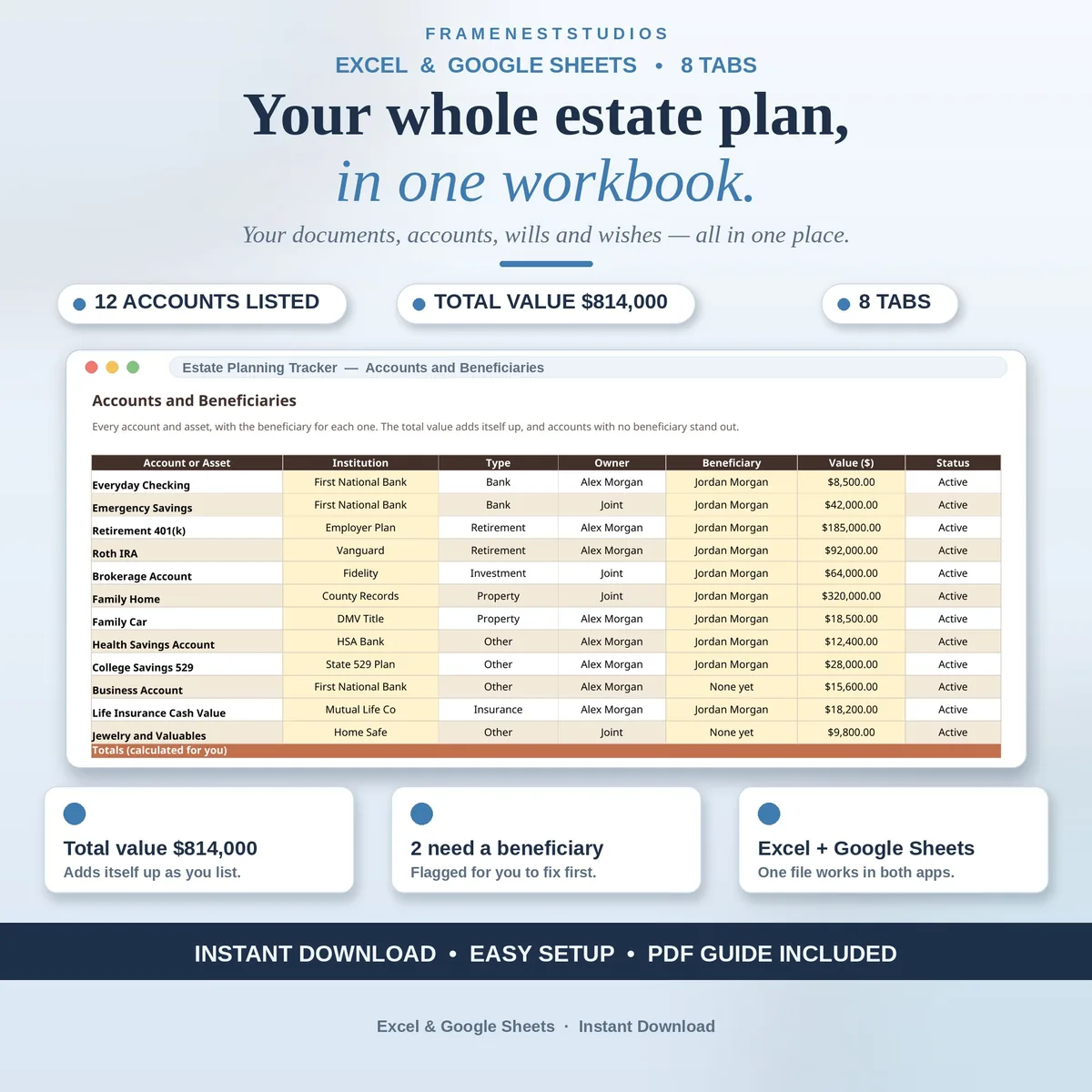
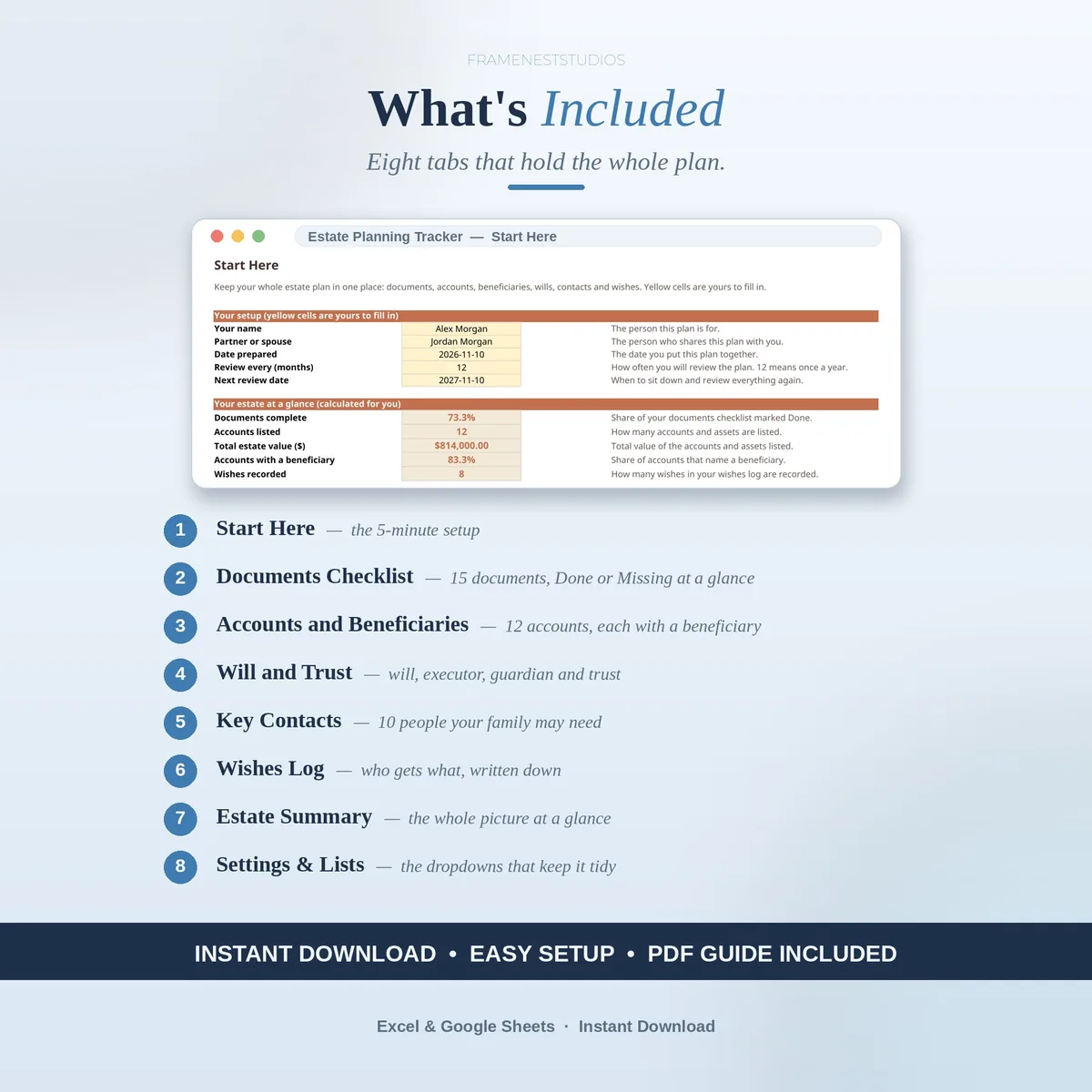
Short on time? The Estate Planning Tracker Spreadsheet does this for you in Excel and Google Sheets.
Set it up this weekend, while the story at the top of this page is still fresh in your mind. Future you, standing in a kitchen with a leaking pipe and the claim number already in hand, will be very glad you did.
Documents, accounts, beneficiaries and wishes in one workbook. See every screen, the full tab list and buyer questions on the product page.
See the Estate Planning Tracker Spreadsheet
Or browse more Home Family & Life templates.