
50 30 20 Budget Planner
Split pay into needs, wants and savings automatically, with targets set from your income.
View on Etsy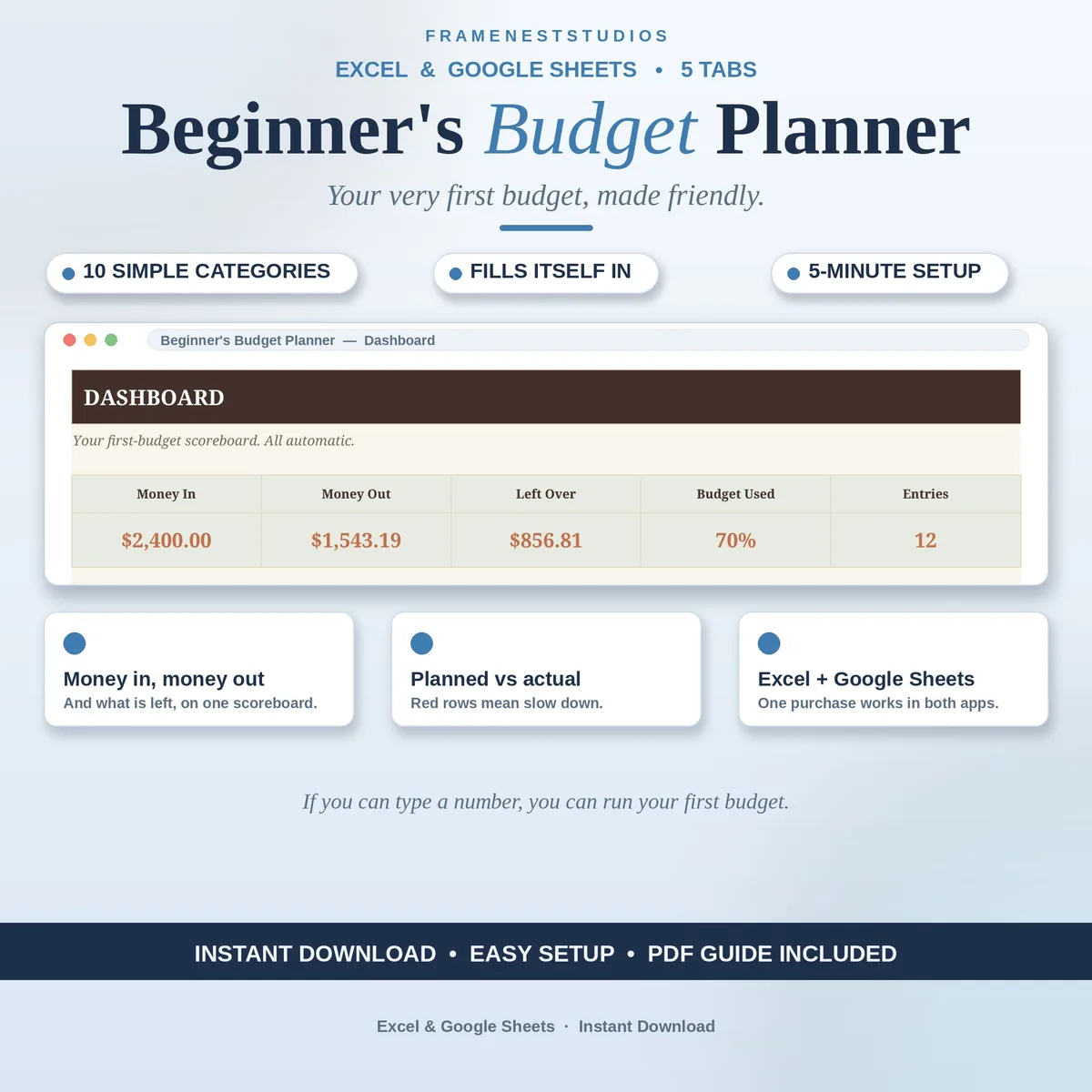
Your first budget should not feel like an exam you forgot to study for. This beginner budget planner uses plain words and ten simple buckets, so if you can type a number, you can see where your money goes and what is left at month end.
Sale price in our Etsy shop right now. Checkout, payment and instant delivery are handled by Etsy.
Most first budgets fail because they ask too much, too soon: dozens of categories, tricky formulas and rules nobody explained. This planner takes the opposite route. Your spending is sorted into ten plain-English buckets, each with a planned amount you choose. That is the whole system to learn, and the Categories tab keeps those buckets tidy while you settle into the habit of checking in.
Logging is just as gentle. On the Transactions tab you add the date, pick Income or Expense, choose a category from the dropdown and type the amount. The Simple Budget tab then compares planned against actual for every bucket, and a row turns red when spending in that area needs to slow down. No judgement, no maths, just a clear signal while there is still time to adjust.
The dashboard gathers money in, money out and what is left, with a spending chart that shows the shape of your month at a glance. A five step walkthrough on the Start Here tab gets you going in about 5 minutes, and the EXAMPLE workbook shows a finished budget before you enter a single number of your own. It works happily on phone, tablet and computer.
The things buyers ask us most.
Start with the Start Here tab. Its five step walkthrough takes about 5 minutes and uses plain words throughout. You set a planned amount for each of the ten buckets, then log what you spend. The dashboard and the planned versus actual view fill themselves in, so your only real job is typing numbers honestly.
They are ten plain-English categories on the Categories tab, covering the everyday areas most first budgets need, each with a planned amount beside it. Instead of a long list of confusing labels, you sort spending into a small set of buckets you actually understand, which makes logging quick and the monthly picture easy to read.
The Simple Budget tab compares what you planned with what you have actually spent in each bucket. When a category runs hot, its row turns red, which is your cue to slow down there for the rest of the month. The dashboard also keeps money in, money out and what is left in front of you.
Yes. The planner works on phone, tablet and computer. Use the Google Sheets version with a free Google account if you like logging spending on the go, or the Excel workbook on your computer if you prefer that. Both versions hold the same five tabs and the same automatic totals, so pick your everyday device.
Three more workbooks from the same shelf.
Split pay into needs, wants and savings automatically, with targets set from your income.
View on EtsyPlan the month's food money, log every trip, and catch overspending early.
View on Etsy