
Freelancer Content Tracker
Track content orders from queued to paid, with clients, due dates and earnings in one place.
View on Etsy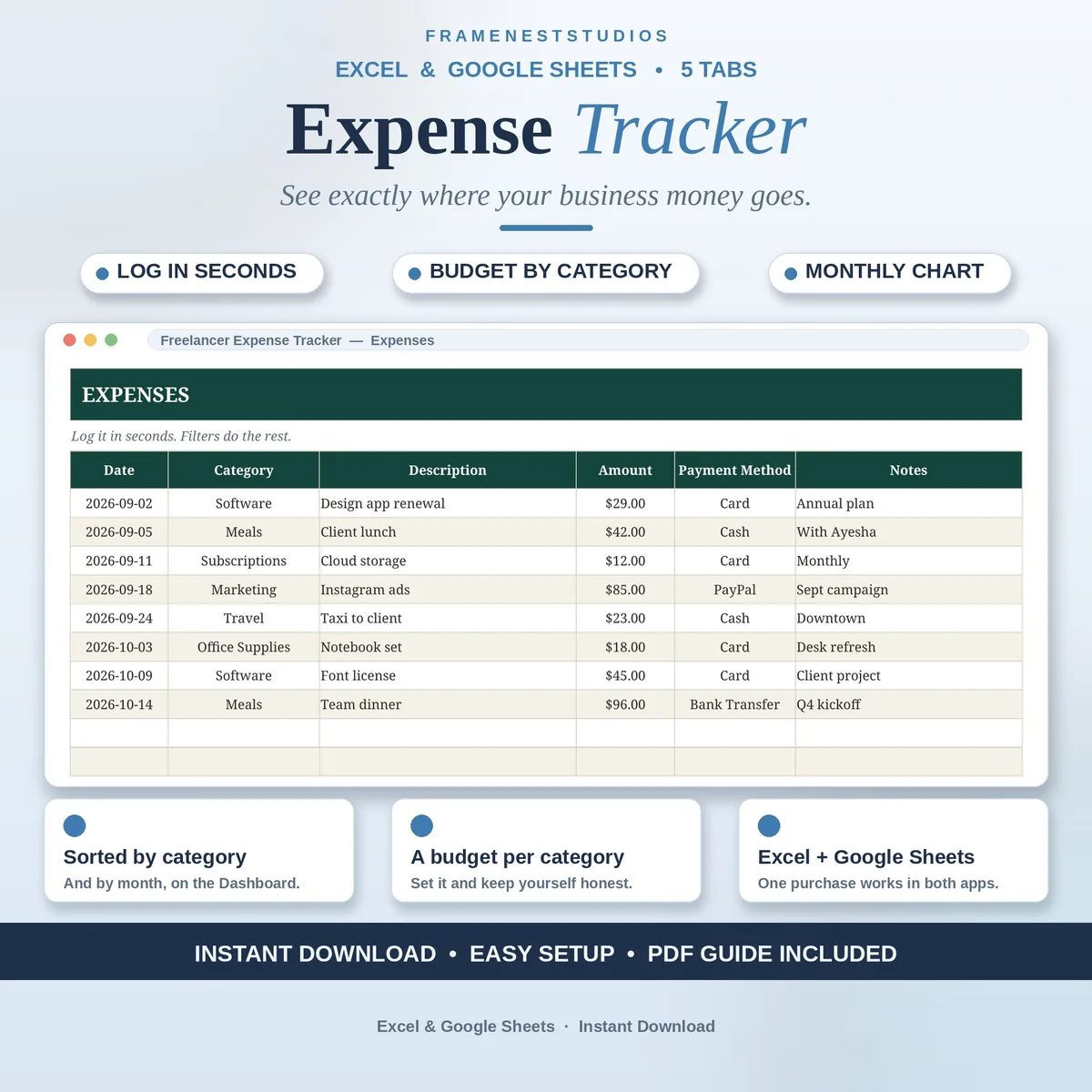
Money coming in feels great; money quietly leaking out is the problem. This freelancer expense tracker shows exactly where your business spending goes: log an expense in seconds, pick a category, and the dashboard sorts everything by category and month for you.
Sale price in our Etsy shop right now. Checkout, payment and instant delivery are handled by Etsy.
Freelance income gets plenty of attention, because it arrives with a notification and a small celebration. Freelance spending is quieter. A subscription here, a tool there, a course, a domain, a taxi to a client meeting, and by the end of the month a real slice of your income has slipped away without ever being looked at. This tracker exists to put that spending in front of you, in seconds per entry.
Logging an expense is deliberately boring, in the best way. Date, category picked from a dropdown, a short description, the amount and how you paid. That is the whole job. Your categories live on their own tab, each with a monthly budget you set, so the sheet can keep you honest without nagging. Rename a category there and the dropdowns across the workbook follow the new name on their own.
The dashboard turns those quick entries into answers. Total spent, what went out this month, spending broken down by category and a monthly chart, all counted for you. The Settings tab holds your business name, your currency and the theme, so the file feels like yours. Freelancers, creators and small business owners use it to spot the leak, trim it, and walk into tax time with records instead of a shoebox and a hope.
The things buyers ask us most.
No. One payment covers the download and the tracker is yours forever, with no monthly fee and nothing extra to unlock. You receive files for both Excel and Google Sheets in the same purchase, so you can even switch apps later without buying anything again. Keep a backup copy and it will outlast most of the tools it tracks.
Yes, and it is easy. The Categories tab holds the full list, and you can rename entries to match the way your business actually spends. The dropdowns on the Expenses tab update to the new names, and the dashboard keeps sorting by category as before. You can also set a monthly budget for each category on the same tab.
Whichever you already use. The Access PDF creates your own Google Sheets copy in one click, and all you need is a free Google account. The BLANK and EXAMPLE workbooks open in Excel 2021 or Microsoft 365. Tabs, categories, budgets and dashboard formulas work the same in both, so the choice is about habit, not features.
The Start Here tab inside the file and the Quick Start Guide PDF explain setup in plain steps, and most people are logging expenses within about five minutes. If a number ever looks wrong or a dropdown misbehaves, message us through Etsy and we will work through it with you. We reply within 24 hours.
Three more workbooks from the same shelf.
Track content orders from queued to paid, with clients, due dates and earnings in one place.
View on EtsyKeep projects, tasks and deadlines in one calm sheet, with overdue warnings built in.
View on EtsyTrack retainer hours as you work and always know what is left.
View on Etsy