
Freelance Hour Tracker and Hourly Timesheet
Log billable hours with rates filled in, plus a weekly timesheet ready to send clients.
View on Etsy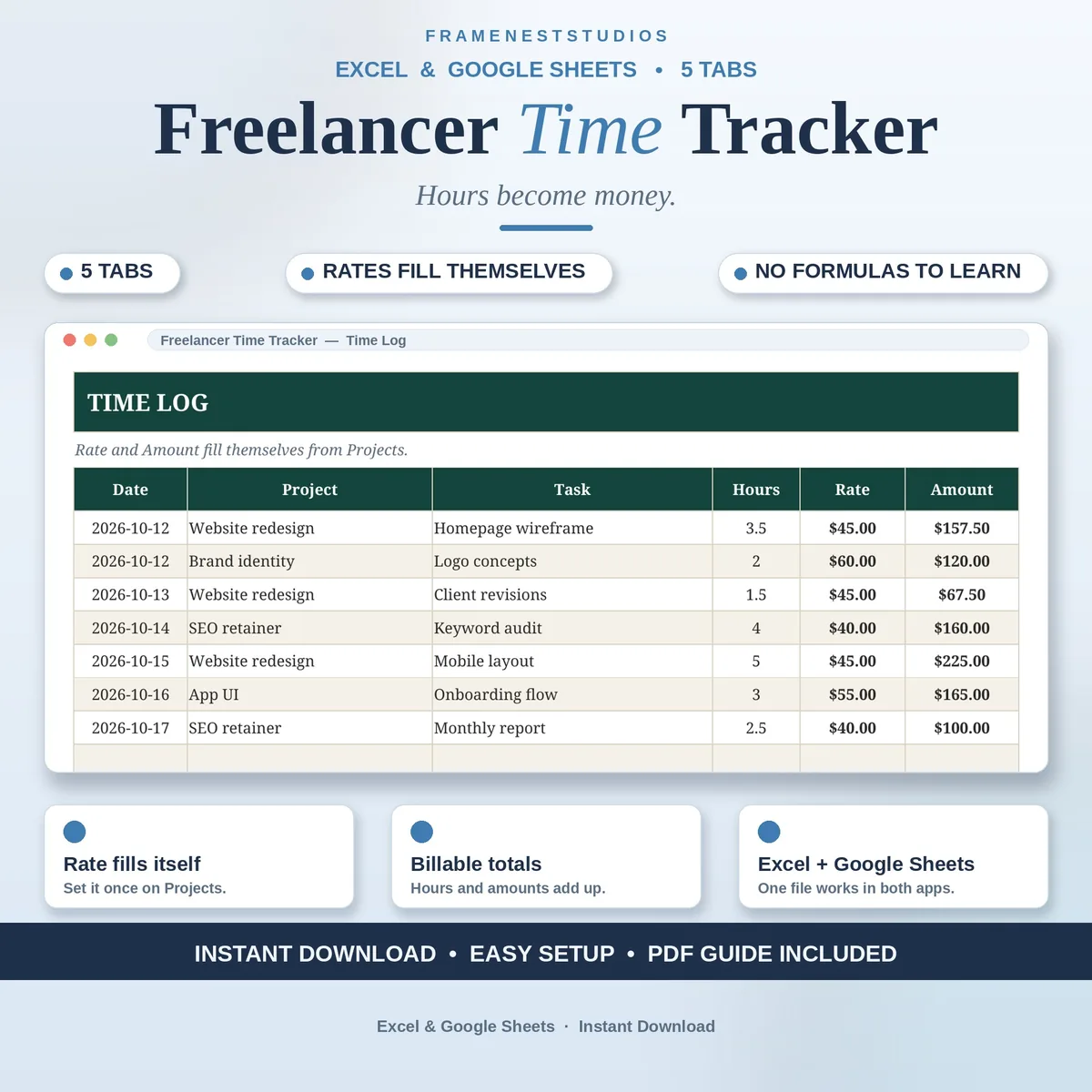
If you cannot remember Thursday, you cannot bill Thursday, and unbilled hours are just donations. This freelancer time tracker logs your time project by project, pulls each rate in automatically and builds your billable total, ready to attach to an invoice.
Sale price in our Etsy shop right now. Checkout, payment and instant delivery are handled by Etsy.
Freelancers who sell hours lose money in a quiet way: not through bad rates, but through time that never gets written down. A short call here, a quick fix there, and by invoice day the honest total is a guess. This tracker makes logging almost effortless. You add the date, pick the project from a dropdown, note the task and enter your hours, and the entry is done in seconds.
The clever part happens behind that row. Your Projects tab holds each project with its client and hourly rate, set once. The time log pulls the right rate in by itself and works out the amount, so you never multiply hours on a calculator or risk billing a project at another client's rate. Change a rate on the Projects tab and the system stays consistent from there.
On the dashboard, your total hours and billable amount are always current, along with this week's hours, a breakdown by project and a monthly chart. That view doubles as a reality check on where your working life actually goes, project by project. When it is time to invoice, the log itself is the backup: attach it, and every billed hour has a date, a task and a total behind it.
The things buyers ask us most.
You set each project's hourly rate once on the Projects tab, along with the project and client names. When you log time and pick that project from the dropdown, the tracker pulls its rate across and calculates the amount for the row automatically. There is no retyping rates and no calculator work at invoice time.
Freelancers, consultants and coaches who charge by the hour and want a dependable record behind every invoice. If your work is project based with different rates per client, the Projects tab handles that cleanly. If you only need a simple log without invoicing features, this stays light: five tabs, quick entries and one dashboard.
Yes. The dashboard shows this week's hours alongside your total hours and total billable amount, so a Friday glance tells you exactly where the week went. It also breaks hours down by project and includes a monthly chart, which makes it easy to spot which client is quietly taking most of your time.
You do. The BLANK and EXAMPLE workbooks are for Excel, and the access PDF holds a one-click link that copies the same tracker into your own Google Sheets. The formulas work the same in both, so you can log time wherever your day happens, and there is no subscription or add-on to pay for.
Three more workbooks from the same shelf.
Log billable hours with rates filled in, plus a weekly timesheet ready to send clients.
View on EtsySet your hourly rate from real income goals, expenses, tax and margin, not a guess.
View on EtsySee profit, margin and your real hourly rate for every project and client.
View on Etsy