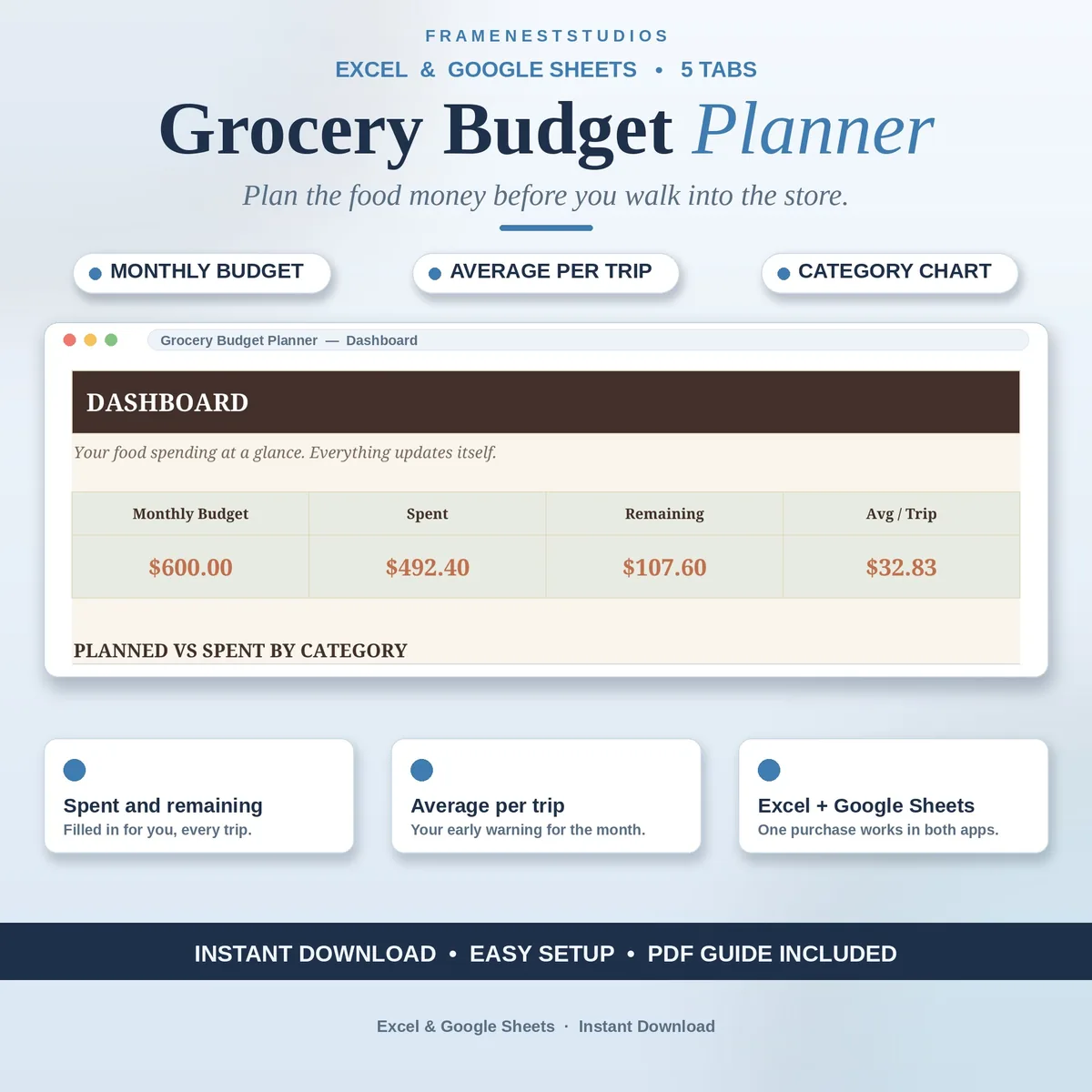
You go in for milk and bread and somehow leave with a trolley full of maybes and a receipt that makes no sense. This grocery budget planner gives your food money a monthly total and a target per category before you shop, then keeps score of every trip so the month cannot drift.
Sale price in our Etsy shop right now. Checkout, payment and instant delivery are handled by Etsy.
Begin with one number: what your household can spend on food this month. The Grocery Budget tab holds that total and keeps score as the month runs, showing what you have spent, what is left, how many trips you have logged, and the average cost of each trip. That average matters more than it sounds, because it warns you early, while there is still time to ease off.
Every shopping trip gets a single row: the date, the store, a category chosen from the dropdown, the amount and the week. On the Categories tab, food groups like produce, meat, dairy and pantry staples each carry a planned amount, and the spent and remaining figures fill themselves in, turning red when a category goes over. You stop guessing which part of the shop is eating the budget.
The Dashboard gathers the whole month onto one screen: budget, spent, remaining, average per trip, and a chart comparing planned against spent for every category. Setup takes about five minutes with the guide inside the file, and the EXAMPLE workbook is filled with sample trips so you can see the flow before your first real shop. It runs happily on a computer, tablet or phone, at home or in the aisle.
The things buyers ask us most.
Watch the average per trip figure on the Grocery Budget tab. It divides what you have spent by the trips you have logged, and it moves early in the month, long before the total runs out. If the average creeps above what your monthly budget can support per trip, you know to ease off while there is still time.
Yes. The Categories tab carries planned amounts for groups like produce, meat, dairy and pantry staples, and those amounts are yours to set for your household. Spent and remaining then fill in from your trip log by themselves, and a category that goes over its plan turns red so it cannot quietly hide in the total.
Either a free Google account for the Google Sheets version, or Excel 2021 or Microsoft 365 for the Excel files. The Access PDF copies the planner into your Sheets in one click, and the Excel workbooks open as they are. It works on a computer, tablet or phone, so you can check what is left while you are in the store.
Yes. Alongside the blank workbook you get an EXAMPLE file already filled in, so you can watch trips flow into categories and the dashboard build itself before you log a single real shop. The Quick Start Guide then walks the five setup steps on one page, and the Start Here tab inside the file covers the same ground.
Three more workbooks from the same shelf.
Give every dollar a job before the month starts, and watch the plan balance itself.
View on EtsyMonthly budgets for baby costs, a one-handed expense log, and a dashboard that ends the guessing.
View on Etsy