
Ultimate Budget Bundle
Annual overview, monthly budget, bill tracker and a bonus debt tool in one calm workbook.
View on Etsy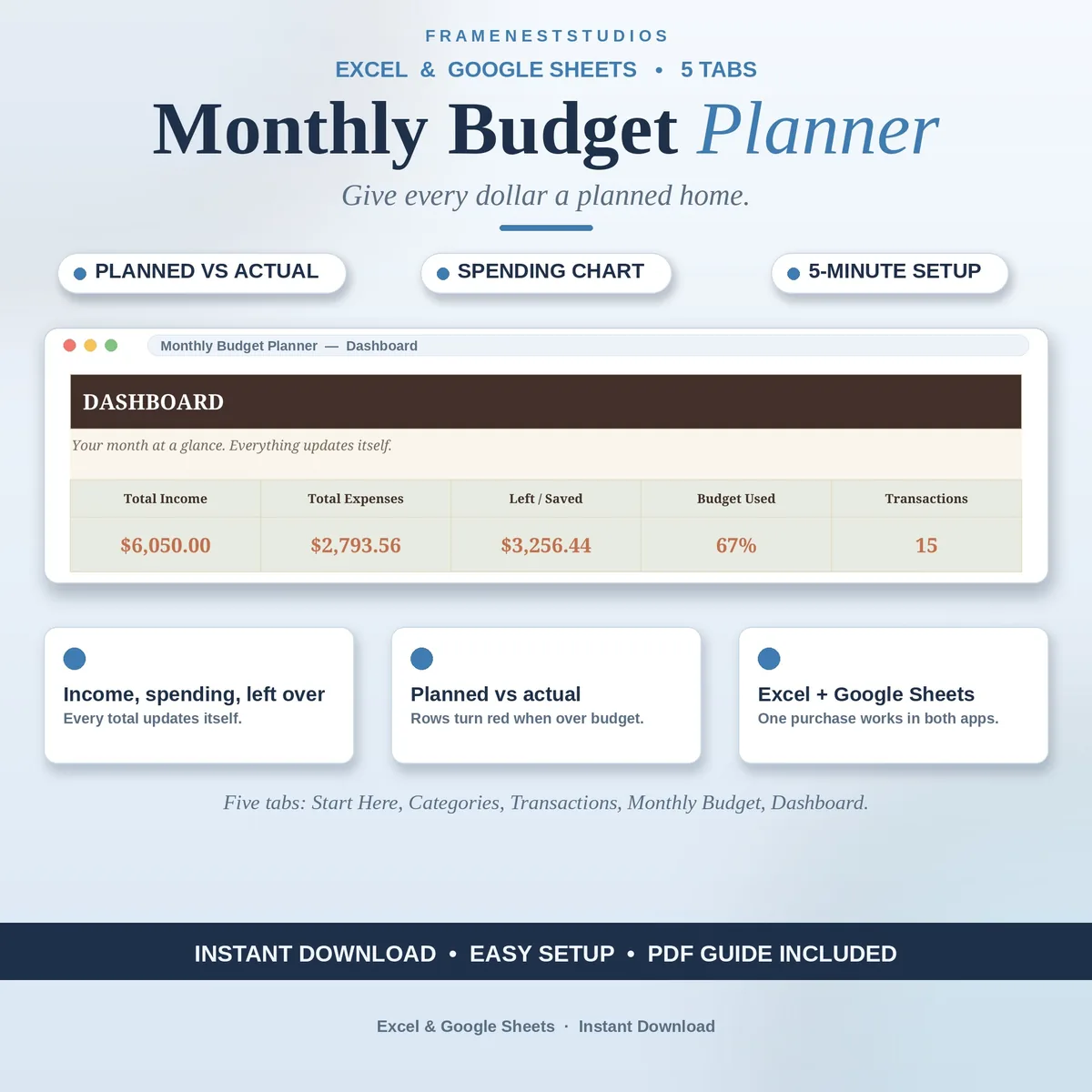
A budget kept in your head is a budget that quietly drifts. This monthly budget planner puts the plan on one calm page: give every dollar a job at the start of the month, log what really happens, and watch planned vs actual fill itself in.
Sale price in our Etsy shop right now. Checkout, payment and instant delivery are handled by Etsy.
The end of the month should not feel like a detective story. This planner works on a simple rhythm: plan first, then track. At the start of the month you give every dollar a planned home across your categories. As the month unfolds you log money in and out in the Transactions tab, a few seconds at a time, and the plan quietly measures itself against reality.
The Monthly Budget tab is where the honesty lives. Planned and actual sit side by side for every category, filled in automatically from your transactions, and a row turns red the moment a category goes over its plan. That small flash of colour is the whole point: you find out while there is still month left to adjust, not after the money has already gone.
The Dashboard gathers the month into one glance: total income, total spending, what is left, the percent of your budget used and a chart of spending by category. Your categories are yours to rename or extend on the Categories tab, so the planner fits a household, a single budgeter or a small side business equally well. Five minutes a day is all it asks, and in return the month stops surprising you.
The things buyers ask us most.
About five minutes. The Start Here tab walks you through the setup inside the file itself, and the Quick Start Guide PDF puts the same five steps on one page. If you can type, you can run this planner. Most people set their categories, enter planned amounts, and log their first transaction in a single short sitting.
Either works. The Access PDF holds a 1-click link that copies the planner into your own Google Sheets, and all you need is a free Google account. If you prefer desktop files, the BLANK and EXAMPLE workbooks open in Excel 2021 or Microsoft 365. Both versions carry the same tabs and the same automatic formulas.
Yes. The Categories tab holds your budget buckets, each with a planned amount, and you can rename them to match your real life or add your own. The Transactions tab picks its categories from that same list through a dropdown, so the Monthly Budget and Dashboard keep lining up with the names you chose.
You do not have to watch for it. The Monthly Budget tab compares planned against actual for every category using the transactions you logged, and the row turns red when spending passes the plan. The Dashboard also shows the percent of your budget used, so a quick glance mid-month tells you whether to ease off or carry on.
Three more workbooks from the same shelf.
Annual overview, monthly budget, bill tracker and a bonus debt tool in one calm workbook.
View on EtsySet the trip budget, log each day, and always know what is left to spend.
View on EtsyOne home for aid, income and spending, with a burn rate that warns you early.
View on Etsy