
Family Budget Planner
Household income, shared bills and savings goals, planned together in one place.
View on Etsy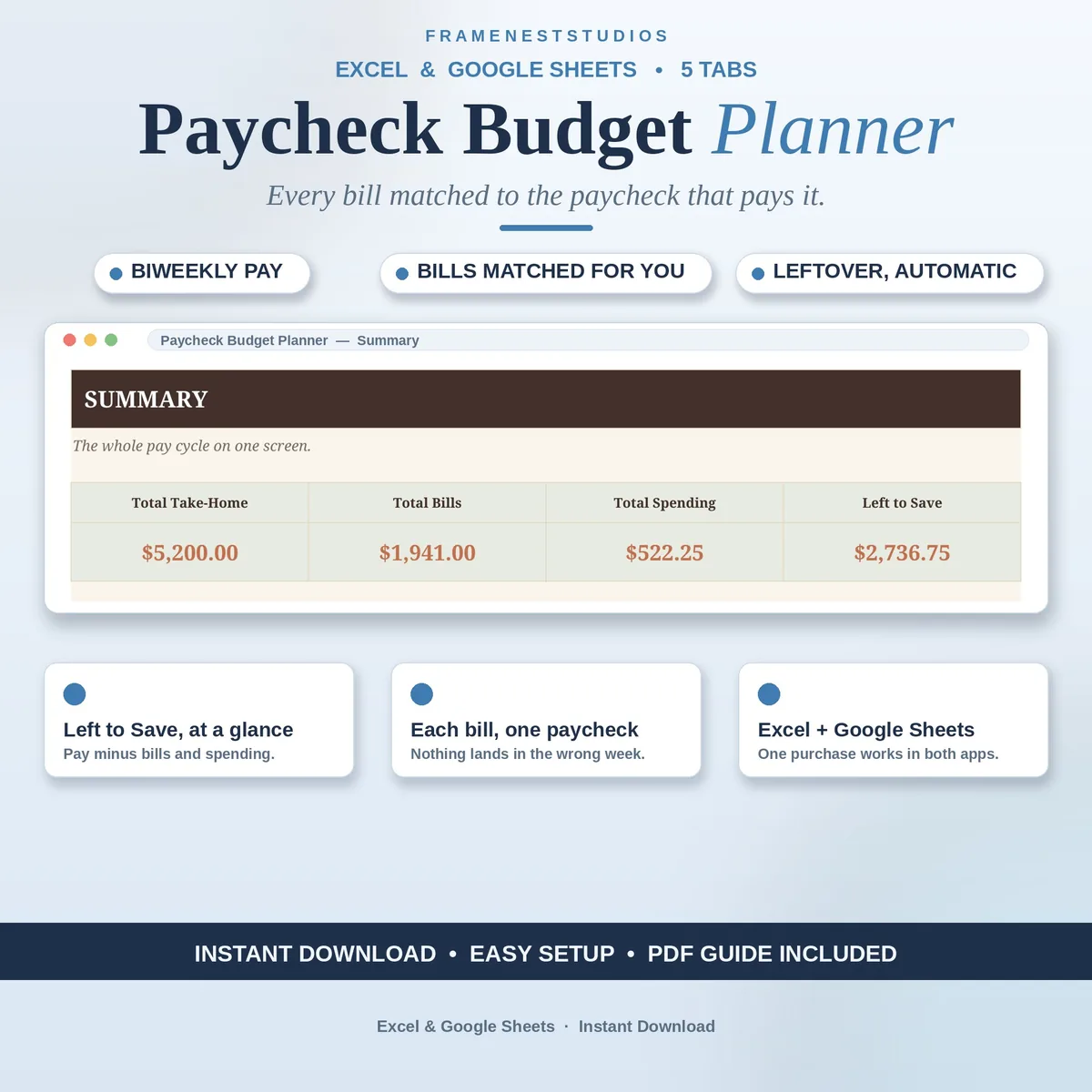
Getting paid every two weeks works fine until one heavy bill lands in the wrong week. This paycheck budget planner matches each bill to the paycheck that covers it, so you always know what the next two weeks look like and what is genuinely left to spend.
Sale price in our Etsy shop right now. Checkout, payment and instant delivery are handled by Etsy.
A monthly budget hides the real problem with biweekly pay: timing. Rent, car payments and subscriptions do not spread themselves evenly across your two paychecks, so one week feels rich and the next feels impossible. The Paycheck Plan tab lays your month out the way you actually live it. Enter each payday and your take-home pay, and the sheet works out which bills fall in that window and what should be left when they are covered.
The Bills Between Paydays tab is the heart of the system. List each bill with its amount and due date, then say which paycheck covers it, the first or the second. When you have paid one, set Paid to Yes and the status flips by itself, so a quick glance tells you what is handled and what is still waiting. No bill gets paid twice, and none gets forgotten in a busy week.
Day-to-day spending gets its own quick log, with a category dropdown that keeps entries tidy and fast. Those small purchases are usually where a paycheck quietly leaks away, and seeing them listed changes the habit on its own. The Summary tab then pulls the whole picture together: total take-home pay, total bills, total spending and what remains for saving, with a chart of where the money went. Everything updates automatically as you type.
The things buyers ask us most.
A monthly budget treats all your income as one pot, which hides the timing problem biweekly pay creates. This planner splits the month by paycheck instead, matching every bill to the first or second paycheck. You see what each two week stretch can actually carry, so a heavy bill week stops ambushing the lighter one.
Just a free Google account if you want the Google Sheets version, or Excel 2021 or Microsoft 365 for the Excel files. There is nothing to install and no subscription to keep. The planner works on a computer, tablet or phone, so you can check what is left wherever you happen to be.
About five minutes. The Start Here tab walks you through five plain steps, and the Paycheck Plan tab only asks for your payday dates and take-home pay to get started. If you want to see a finished plan before typing anything, open the EXAMPLE file first and look at how a sample month is laid out.
Yes. Paycheck dates and amounts are plain entries on the Paycheck Plan tab, so a shift in payday or a different take-home amount is a quick edit, not a rebuild. The bills due and leftover figures recalculate from whatever you type, which keeps the plan honest when overtime, bonuses or schedule changes show up.
Three more workbooks from the same shelf.
Household income, shared bills and savings goals, planned together in one place.
View on EtsyOne budget for the whole household, with member budgets, shared costs and savings goals.
View on Etsy