
Net Worth Tracker Spreadsheet
List what you own and owe, update monthly, and watch your net worth and goal progress move.
View on Etsy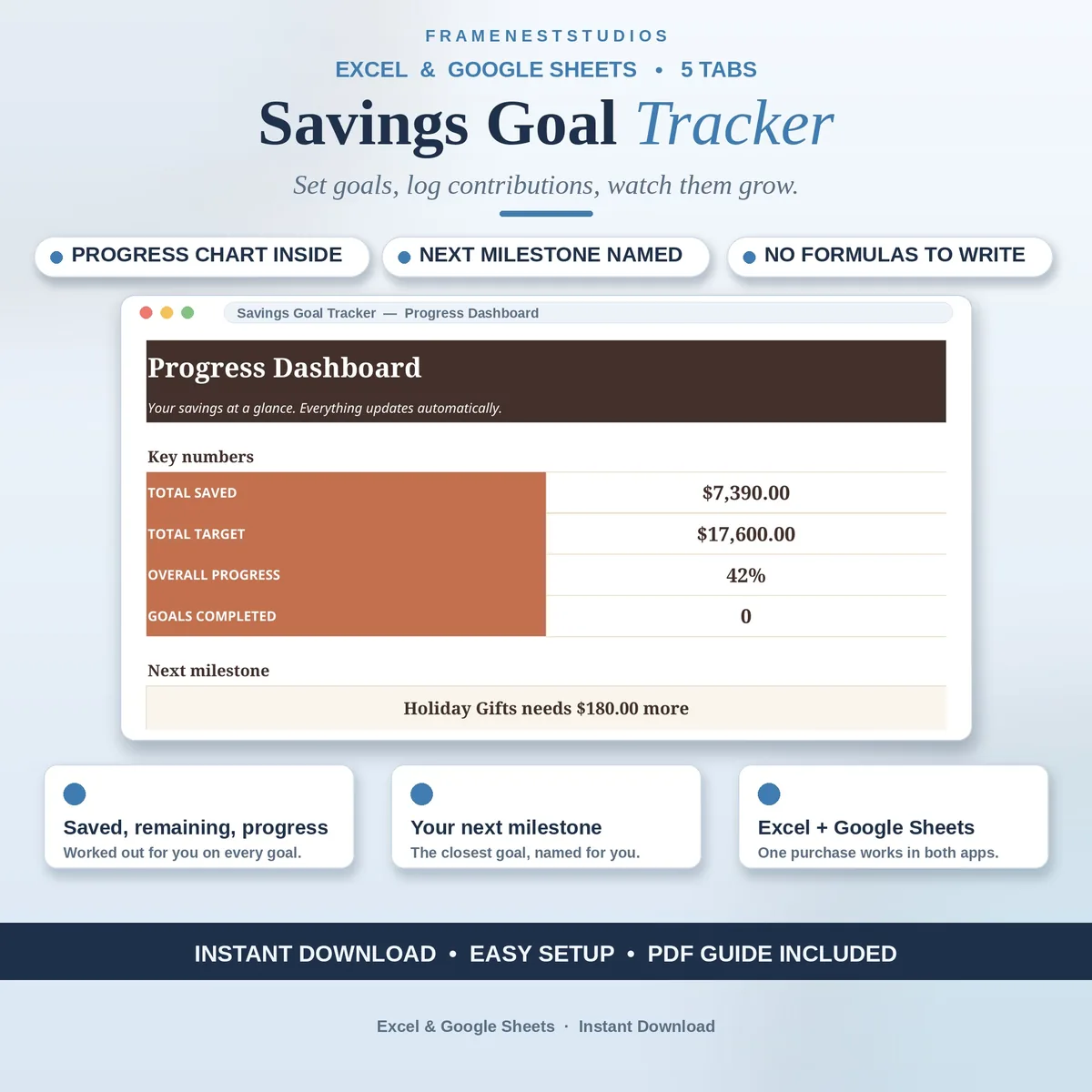
Saving feels slow when the money just disappears into one big account and you cannot tell what any of it is for. This savings goal tracker gives every goal its own target, date and progress bar, so the emergency fund, the trip and the deposit each grow in plain sight, deposit by deposit.
Sale price in our Etsy shop right now. Checkout, payment and instant delivery are handled by Etsy.
Start on the Goals tab by naming what you are saving for: an emergency fund, a trip, a deposit, the next big purchase. Each goal gets a category, a target amount, a target date and a priority, and the sheet fills in how much you have saved, how much is left and how far along you are. Seeing several goals side by side makes it much easier to decide where the next deposit belongs.
Every deposit gets one row on the Contributions tab, with the goal picked from a simple dropdown. The Progress Dashboard then pulls it all together: your total saved, your overall progress, how many goals are complete, and a progress chart you can watch climb. It also points at your next milestone, the closest finish line, which is a surprisingly good reason to move a little extra money across this week.
The Settings tab holds your currency symbol and the tags you use for contributions, so the tracker speaks your language from the start. The EXAMPLE file comes with sample goals and 30 contributions already logged, which is the fastest way to understand how the pieces connect before you add your own. A short guide inside the file walks the setup, and most people are tracking within about five minutes.
The things buyers ask us most.
Yes, that is the point of it. The Goals tab holds all of your goals side by side, each with its own category, target amount, target date and priority. An emergency fund, a holiday and a deposit can all grow at once, and the dashboard shows your combined progress as well as how each goal is doing on its own.
Add one row on the Contributions tab for each deposit and pick the goal it belongs to from the dropdown. That is the whole job. The goal's saved and remaining figures update, the dashboard totals move, and your next milestone comes into view. Small, regular deposits are exactly what this tracker was designed to make visible.
The EXAMPLE workbook arrives with sample goals already set up and 30 contributions logged against them, so you can open it first and watch the dashboard, progress chart and milestone figures respond before you touch your own numbers. Once it makes sense, switch to the BLANK file and set up your real goals in the same places.
Both Excel and Google Sheets. The download includes Excel workbooks plus an Access PDF whose one click link copies the tracker into your own Google Sheets, which only needs a free Google account. There is no subscription and nothing extra to install. Set your currency symbol on the Settings tab and every figure follows it.
Three more workbooks from the same shelf.
List what you own and owe, update monthly, and watch your net worth and goal progress move.
View on EtsySave a little each month for big yearly bills, with pace flags and progress bars.
View on EtsyYour FI number, savings rate and FI date, worked out and tracked month by month.
View on Etsy