
Accounts Payable Tracker
Track vendor bills and due dates, with a pay run check against the cash you actually have.
View on Etsy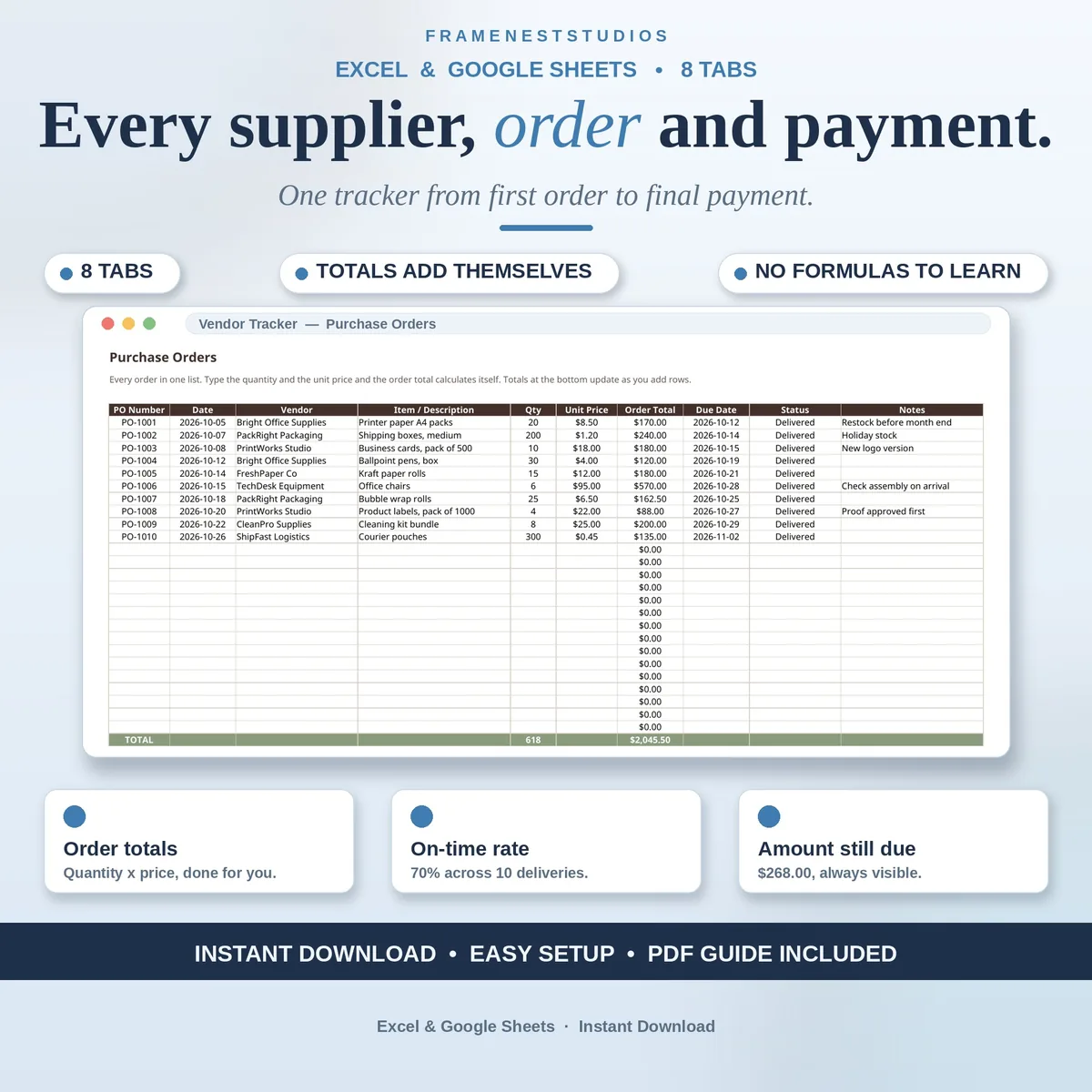
Suppliers in old emails, orders in a notebook and payments in your head is a system that leaks money. This small business vendor tracker puts all three in one workbook, so you always know who delivers on time and who still needs chasing.
Sale price in our Etsy shop right now. Checkout, payment and instant delivery are handled by Etsy.
The routine is simple enough to keep up. Add each supplier once to the Vendor Directory, with their category, contact person, email, phone, payment terms and usual lead time. From then on you log each purchase order as you place it, record the delivery when it lands and mark the payment when you pay. Order totals multiply quantity by unit price for you, and amounts due subtract what you have paid, so no figure depends on your memory.
Two tabs turn those everyday entries into decisions. Vendor Performance works out each supplier's on-time rate from your real deliveries, alongside totals ordered, totals paid and amounts still due, vendor by vendor. Spending by Vendor then shows each supplier's share of your total spending, which is exactly what you want in front of you before negotiating terms or lining up a backup supplier for something critical.
The Payments tab keeps part payments honest, updating each order to Paid, Partial or Unpaid with the balance visible at a glance, while the Deliveries tab compares promised and actual dates for you. Blank rows show 0 rather than errors, so a half finished tracker still reads cleanly. The EXAMPLE file is filled with ten orders across eight vendors, including late deliveries and part payments, and a five minute weekly review of the performance tabs is the whole upkeep routine.
The things buyers ask us most.
The Deliveries tab compares each delivery's promised date with its actual date and marks it on time or late for you. The Vendor Performance tab then divides on-time deliveries by total deliveries for each supplier, giving a rate based on your real history rather than impressions. It is the quickest way to see who keeps you waiting.
Eight is just the size of the EXAMPLE file, not a limit on your business. Add a row to the Vendor Directory, and to the first column of the Vendor Performance and Spending by Vendor tabs using the same formulas, and the new supplier is tracked exactly like the others, with their own totals, due amounts and on-time rate.
Yes. Categories, payment terms and status lists all live on the Settings and Lists tab. Edit those lists and then reuse the same words across the other tabs, and dropdowns stay consistent throughout the workbook. Keeping the wording identical, especially vendor names, is the one simple rule that keeps every total accurate.
It does, and that is one of its main jobs. On the Payments tab you record what you ordered and what you have paid so far, the amount still due is calculated for you, and the status updates itself to Paid, Partial or Unpaid. No more guessing which orders are settled and which still have a balance hanging over them.
Three more workbooks from the same shelf.
Track vendor bills and due dates, with a pay run check against the cash you actually have.
View on EtsyCommission worked out per sale, with rep totals, payouts due and monthly goals.
View on EtsyReceipts and business mileage in one workbook, with one combined total for tax time.
View on Etsy