
Beginner's Budget Planner
A first budget in plain words, with ten simple buckets and a self-filling dashboard.
View on Etsy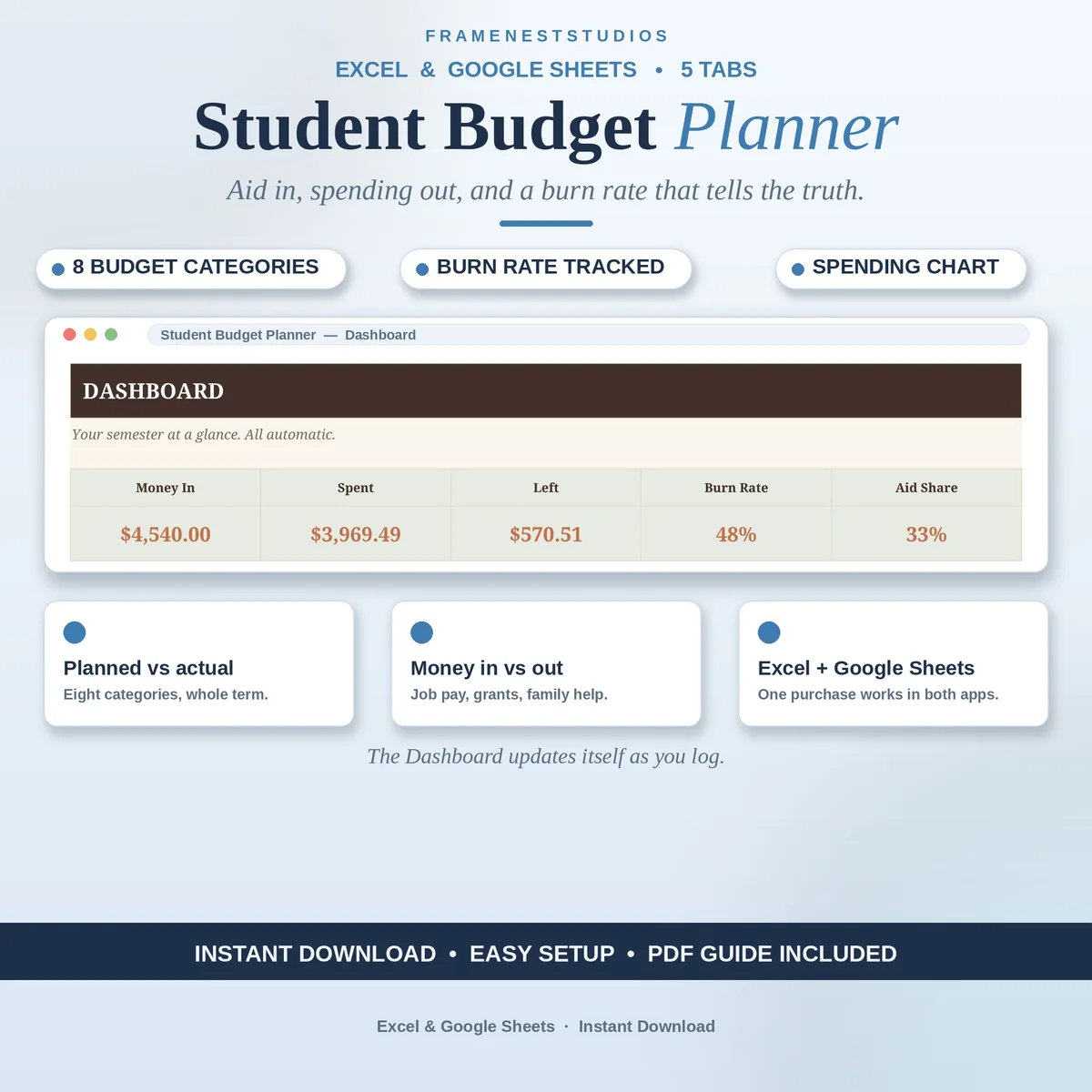
Campus money arrives in lumps and leaves in drips, which is exactly how a semester budget quietly falls apart. This student budget planner puts your aid, job pay and spending in one place and shows your burn rate, so you find out the truth while there is still money left to fix it.
Sale price in our Etsy shop right now. Checkout, payment and instant delivery are handled by Etsy.
Student income rarely behaves like a salary. A grant or scholarship lands in one lump at the start of term, part-time job pay trickles in every couple of weeks, and family help arrives when it arrives. The Income and Aid tab counts all of it in one list, so you start the semester knowing your real total instead of a hopeful guess built on the biggest single payment.
The Semester Budget tab gives every category a term-long allowance, from rent and food to course materials and going out, and tracks planned against actual as the weeks pass. The Expenses tab is where life gets recorded: date, category, a short note and the amount. It takes seconds per entry, and because textbooks and tacos sit in the same honest list, nothing important hides between accounts.
The Dashboard is the honest friend every student budget needs. It shows money in, money out and your burn rate, the pace at which the semester fund is being spent, alongside a chart of where it all went. Check it every week or two and a problem shows up as a small adjustment in October, not an empty account in December. Five minutes of setup at the start of term buys you that warning all semester.
The things buyers ask us most.
A free Google account for the Google Sheets version, or Microsoft Excel for the workbook files. That is all. It works on your phone, tablet and computer, so you can log an expense where you spent the money and check the dashboard from your dorm, the library or the bus home.
Yes, that is exactly what the Income and Aid tab is for. Grants, scholarships, part-time job pay and help from family all go in the same list, each with its own entry. The dashboard counts the full picture, so your semester plan is built on everything you actually receive, not just wages.
Your burn rate is the pace at which your semester money is being spent, shown on the Dashboard next to money in and money out. If the pace says the fund runs dry before term ends, you see it early enough to trim a category or pick up a shift, instead of discovering it at the till.
No. The Start Here tab walks you through five friendly steps in about five minutes, and you only need to type your categories, your expected aid and income, and then log spending as it happens. Open the EXAMPLE workbook first if you want to see a semester already filled in before you start your own.
Three more workbooks from the same shelf.
A first budget in plain words, with ten simple buckets and a self-filling dashboard.
View on EtsySplit pay into needs, wants and savings automatically, with targets set from your income.
View on EtsyPlan the month's food money, log every trip, and catch overspending early.
View on Etsy