
Freelancer Time Tracker
Log time per project, let the rate fill itself, and bill for every hour worked.
View on Etsy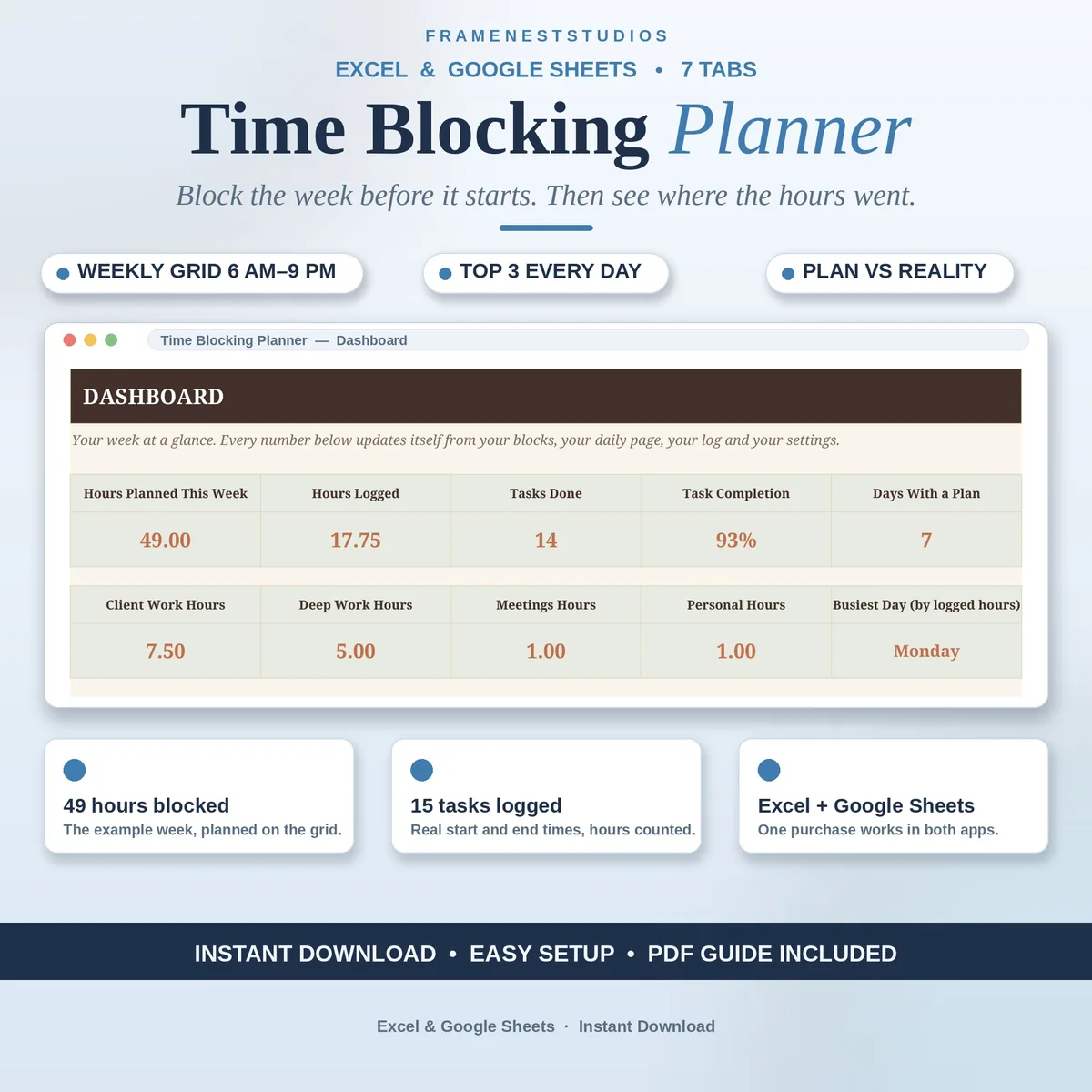
Weeks rarely collapse because of one big disaster, they leak away in unplanned hours. This time blocking planner lets you shape the week on an hourly grid first, then log where time really went, so Friday tells you the truth about your schedule.
Sale price in our Etsy shop right now. Checkout, payment and instant delivery are handled by Etsy.
A normal planner holds appointments. This one holds intentions and then checks them, which is where the useful learning lives. You start by blocking the week on an hourly grid running from 6 AM to 9 PM, Monday to Sunday, typing what each hour is for. A filled cell counts as one planned hour, so the shape of your week, client work, deep work, admin, rest and the rest, becomes visible before the week begins.
Each day then runs from a focused daily page. You pick the date, write your top three priorities, work the blocks hour by hour and tick them done as they land, and the day scores itself. Alongside that, the Task Time Log records real work sessions with exact start and end times, working the hours out for you, so even a short call is counted properly rather than rounded away or forgotten.
At the end of the week, the review compares planned hours against logged hours, by day and by category, and leaves room for four short reflection lines that turn this week into instructions for the next one. The dashboard gathers hours planned, hours logged, tasks done, completion, your busiest day and breakdowns by day and category. Categories and the week start date are set in one place, and every other tab follows.
The things buyers ask us most.
A normal planner mainly holds appointments. This planner holds your intentions first, then checks them against reality. You block the hours before the week starts, log what actually happened during it, and the Week Review places planned and logged hours side by side. That comparison is the part most planners skip, and it is usually where the useful truth about your schedule lives.
The grid uses one hour blocks from 6 AM to 9 PM, sixteen blocks a day, which is the right size for planning a week without drowning in detail. For the real record, the Task Time Log takes exact start and end times and works out the duration for you, so a 25 minute call still counts properly in your totals and in the review.
That is fine. Type your start date on the Settings tab and the grid labels itself from that day, with names and dates following automatically. Monday is the classic choice, but a Sunday or Wednesday start works in exactly the same way. Your block categories are also set there, and the daily page and review read those names from Settings too.
No, that gap is the point of the tool. Almost nobody matches their plan in the first week, because plans are usually written for an ideal version of the week. After two or three reviews, your blocks start to reflect your real pace, meetings get realistic lengths, and the difference column quietly shrinks. Treat the gap as coaching, not as a failure.
Three more workbooks from the same shelf.
Log time per project, let the rate fill itself, and bill for every hour worked.
View on EtsyLog billable hours with rates filled in, plus a weekly timesheet ready to send clients.
View on EtsySet your hourly rate from real income goals, expenses, tax and margin, not a guess.
View on Etsy